
how to organize tv cords hidden is mostly a planning problem, not a product problem, and once you map what you actually need to plug in, the “cable jungle” gets a lot easier to tame.
If you’ve ever mounted a TV and then realized the cords still steal all the attention, you’re not alone. In most living rooms, the TV is the visual focal point, so exposed cables instantly read as clutter, even when everything else looks tidy.
The good news is you don’t need to be an electrician to get a clean result. You do need to be a little picky about safety, access for future changes, and how far you’re willing to go: quick cover, in-wall, or furniture-based hiding.
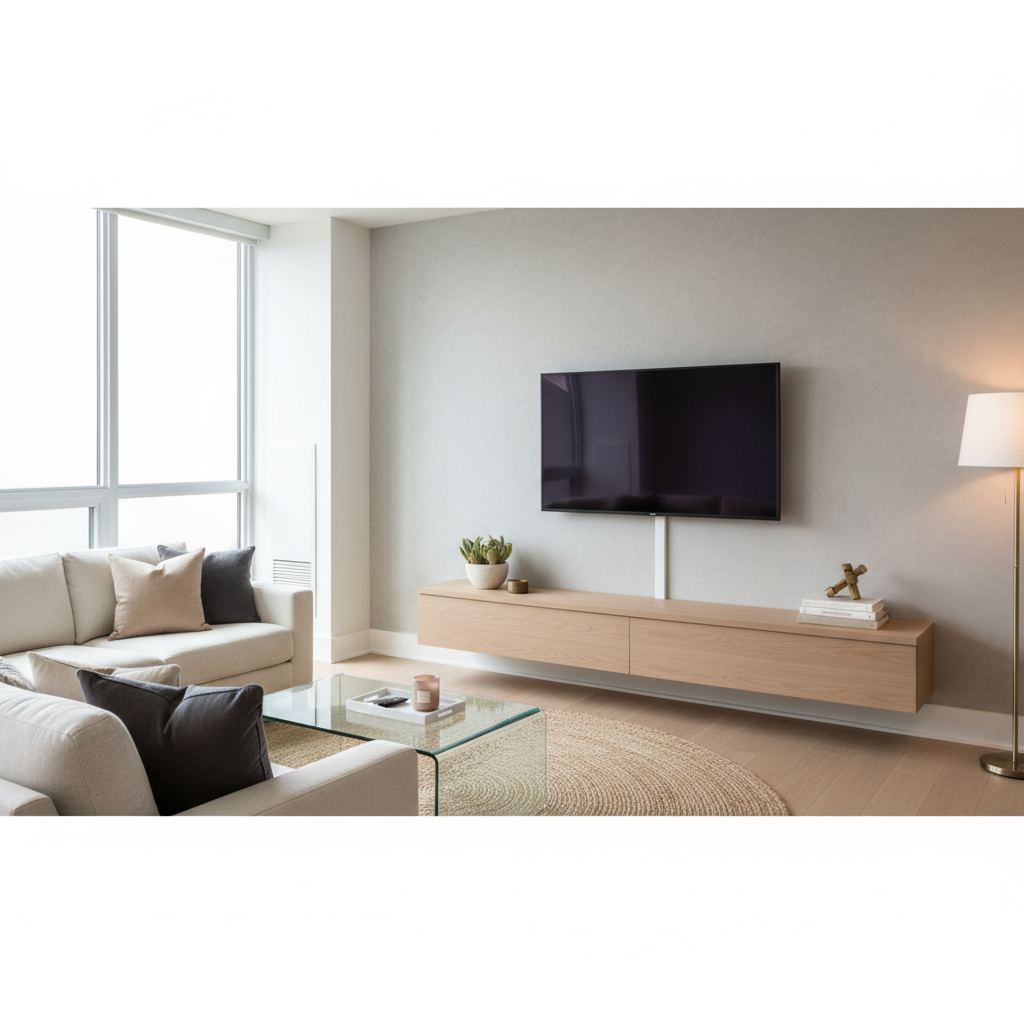
Choose your “hidden” level: visible, semi-hidden, or fully concealed
Before you buy anything, decide what “hidden” means in your space. A rental apartment, a brick fireplace wall, and a media room with new drywall all call for different solutions.
- Quick tidy (visible but organized): cords are aligned and bundled behind the console. Fast, low risk, easy to change later.
- Semi-hidden (surface concealment): cords run inside a paintable raceway or channel on the wall. Clean look without opening the wall.
- Fully concealed (in-wall): cords route through a code-friendly in-wall kit. Most “invisible,” most effort, most rules.
Many people get stuck because they jump straight to “in-wall,” then realize they still need access for swapping an HDMI cable or adding a streaming box. A slightly less “perfect” method that stays flexible often wins long term.
Why TV cords get messy (and what usually makes it worse)
There are a few repeat offenders that turn a simple setup into spaghetti. Once you spot which one you have, the fix becomes obvious.
- Too many devices for the space: soundbar, console, cable box, Apple TV, smart hub, Ethernet switch, subwoofer. Each adds power plus signal cables.
- No cable path planned: cords take the shortest route, which usually means “across open air.”
- Power brick overload: chunky adapters fight for outlets and push plugs loose.
- Mixed cable types in one bundle: it can work, but it becomes hard to troubleshoot when something stops working.
Safety matters too. According to NFPA (National Fire Protection Association), extension cords are meant for temporary use, and using them as a permanent wiring substitute can increase risk. In practice, that means: don’t hide a long extension cord behind a wall or under carpet and call it “done.”
A quick self-check: what you should do before hiding anything
This part feels boring, but it’s where clean installs come from. Take 10 minutes and you’ll avoid redoing the entire run later.
Fast checklist
- List every device that needs power and every device that needs HDMI or Ethernet.
- Measure the TV-to-console distance and add slack for swivel mounts.
- Decide where the power will live: behind the TV, inside the console, or both.
- Confirm you can still reach ports for resets, pairing buttons, and swapping cables.
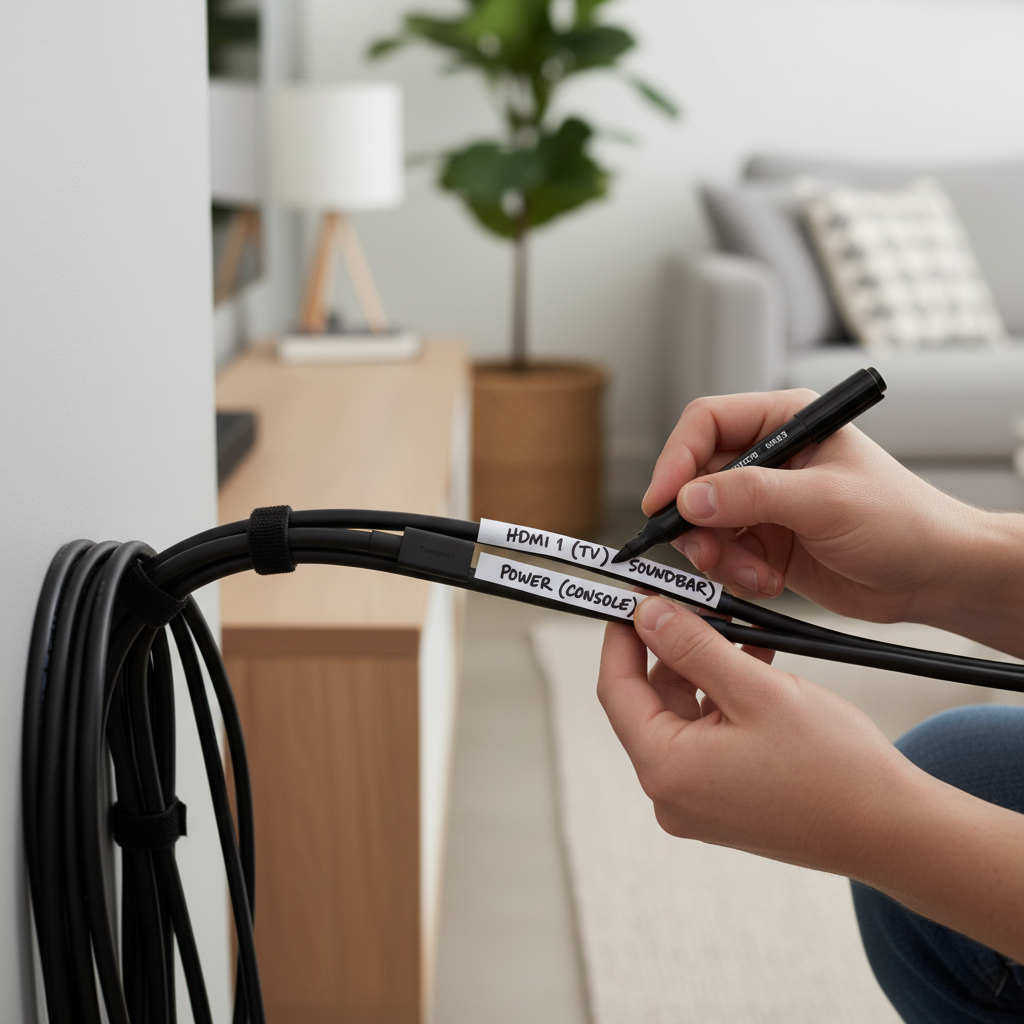
- Label cables now if you have more than 3 devices.
If you want how to organize tv cords hidden without losing your mind later, labeling is the small step most people skip, then regret the first time audio drops out.
Tools and materials: what you actually need (and what’s optional)
You can spend a lot here, but you don’t have to. Most living rooms need a few basics, then one “hiding” method.
| Item | What it’s for | When it’s worth it |
|---|---|---|
| Cable ties or Velcro straps | Bundling and managing slack | Always (Velcro is easier for future changes) |
| Adhesive cable clips | Guiding cables along the back of furniture | If cords droop or pull on ports |
| Raceway (paintable cord cover) | Hiding cables on the wall surface | Renters, quick upgrades, no drywall work |
| In-wall TV power + cable kit | Routing power and low-voltage safely in-wall | Homeowners or approved installs |
| Cable management box | Hiding a power strip and bricks | If you see a “brick pile” behind the console |
| Shorter replacement cables | Reducing slack loops | If you have coils of extra length |
One quick reality check: if you’re trying to hide five 10-foot cables, you’ll fight bulk forever. Swapping to the right lengths can make how to organize tv cords hidden feel almost unfairly easy.
Step-by-step solutions by scenario
Pick the scenario that matches your setup, do it once, then stop tinkering.
Scenario A: TV on a console (no wall mount)
- Move the TV forward a few inches and route cables down the center, not off to the side.
- Bundle power cables separately from HDMI/Ethernet when possible, it makes troubleshooting simpler.
- Attach adhesive clips to the back panel so cords follow a clean “track.”
- Hide the power strip inside a cable management box or behind the console leg area.
Most people can get a 70–80% improvement here without buying more than straps and a box.
Scenario B: Wall-mounted TV + media console (most common)
- Choose a vertical path from TV to console: raceway on drywall, or in-wall kit.
- Behind the console, create two zones: power zone (strip, bricks) and signal zone (HDMI, optical, Ethernet).
- Leave a service loop (a small controlled slack loop) so cords don’t tug when you move the console slightly.
- Use shorter HDMI cables where you can, but avoid ultra-tight bends near ports.
If you’re using a full-motion mount, give extra slack at the TV end and secure it to the mount arms so it moves with the TV instead of snagging.
Scenario C: Minimalist look with no visible equipment
- Consider a ventilated cabinet, not a sealed box, especially for gaming consoles and receivers.
- Use IR repeater or HDMI-CEC only if it works reliably in your device mix, many setups are finicky.
- Plan access: a hidden cabinet looks great until you need to press a pairing button every week.
For this scenario, “hidden” often conflicts with heat and convenience, so build in ventilation and an easy-open path.
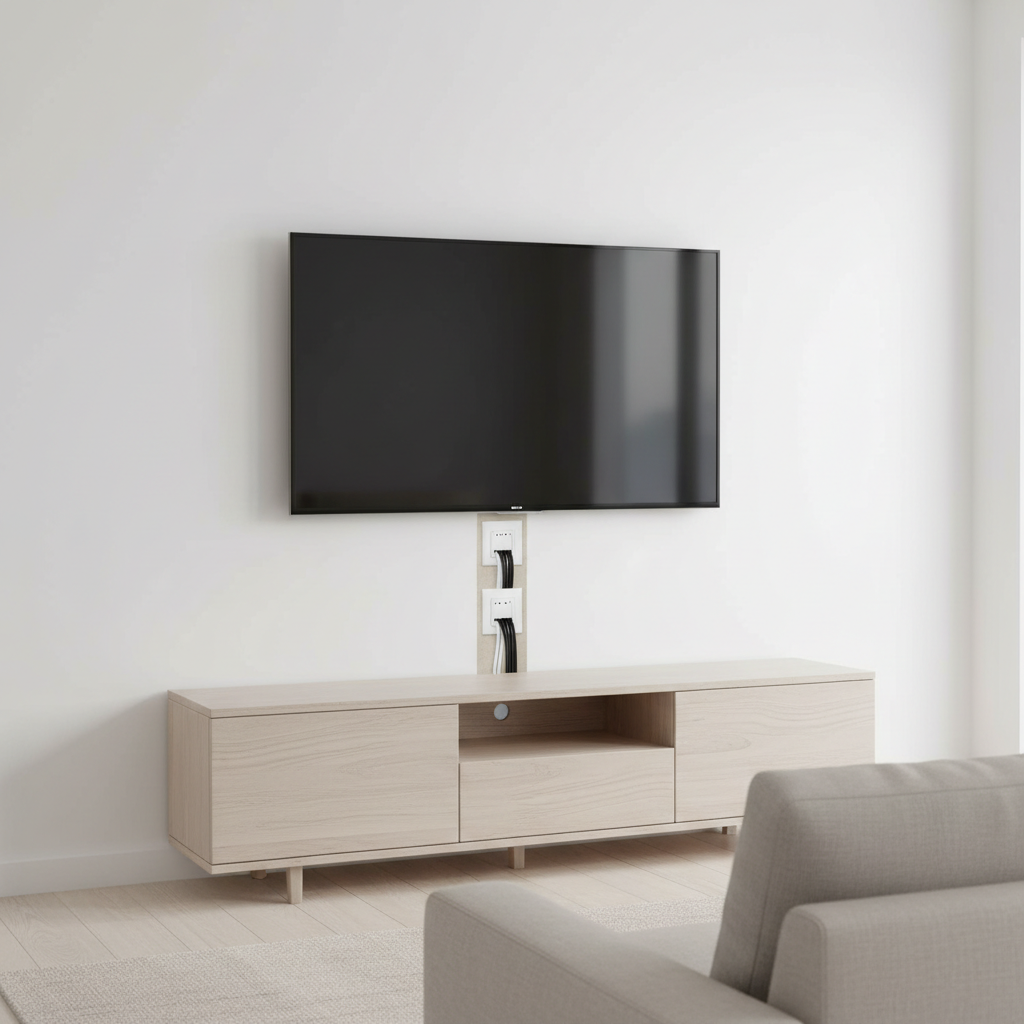
Safety, code, and “don’t hide this” cable rules
This is where DIY cable hiding can go wrong. Some shortcuts look clean but carry avoidable risk.
- Don’t run an extension cord inside a wall. Use a proper in-wall power kit or add an outlet, which may require a licensed electrician.
- Use in-wall rated cables (often labeled CL2/CL3) when routing low-voltage in the wall.
- Avoid crushing cords under furniture legs or tight doorways; insulation damage can happen slowly.
- Keep airflow in mind if you hide power bricks; overheating risk varies by device but trapped heat rarely helps.
According to NEC (National Electrical Code) guidance used across the U.S., in-wall wiring methods need to follow specific requirements, and what’s allowed can vary by local jurisdiction. When you’re unsure, ask a licensed electrician or your building management, especially in condos and rentals.
Common mistakes that make hidden cords look worse
- Over-bundling: one giant bundle becomes a thick “snake” that’s harder to hide than separate runs.
- Too much slack: loops collect dust and visually read as mess even when tied.
- Raceway placed off-center: a slightly crooked channel is more noticeable than you think, measure twice.
- No plan for future devices: leaving one spare pull string or an extra HDMI can save a redo.
- Using cheap adhesive on textured walls: it may fail over time; mechanical fastening can be safer if allowed.
If you’re trying how to organize tv cords hidden for the long run, aim for “serviceable clean,” not “sealed shut.” You will upgrade something eventually.
Key takeaways and a simple action plan
The cleanest setups come from three decisions: how hidden you want it, where power lives, and how you’ll access ports later. After that, it’s just routing and restraint.
- Do a quick device-and-cable inventory before buying covers or drilling holes.
- Pick one hiding strategy (console-only, raceway, or in-wall kit) and commit, mixing methods usually looks busy.
- Prioritize safety over aesthetics, especially with power.
If you want a low-effort next step: buy Velcro straps, a cable box for the power strip, and one paintable raceway, then clean up the path from TV to console in a single afternoon.
FAQ
What is the easiest way to hide TV cords on a wall?
A paintable cable raceway is usually the quickest: it hides the vertical run without opening drywall, and you can still access cables later.
Is it safe to run TV power cords behind drywall?
In many cases, a standard TV power cord should not be run inside a wall. A code-friendly in-wall power kit or a new outlet is typically the safer route; when unsure, consult a licensed electrician.
How do I keep cords hidden if I use a full-motion TV mount?
Leave extra slack near the mount and secure cables to the mount arms so they move together. If the cable floats freely, it can pinch or tug when you extend the TV.
How to organize tv cords hidden without making troubleshooting harder?
Label both ends of HDMI and power cords, keep a simple “power zone” and “signal zone,” and avoid one mega-bundle. You’ll thank yourself when one device stops outputting sound.
Should I bundle power and HDMI cables together?
It often works, but separating them can reduce confusion and makes swaps easier. If you do bundle, keep it loose and avoid sharp bends near connectors.
What length HDMI cables should I buy for a wall-mounted TV?
Measure the path, not the straight-line distance, then add a bit for service slack. Too short causes strain, too long creates bulky coils that are hard to hide.
Do cable management boxes overheat?
They can, depending on how many power bricks you pack in and how enclosed the box is. Choose a ventilated design and avoid stuffing it tight.
Can renters hide TV cords without drilling?
Usually yes with raceways that use removable adhesive, plus behind-console bundling. Test a small area first, since paint and texture affect how cleanly adhesive removes.
If you’re trying to keep a clean living room look but don’t want to guess which raceway size, cable length, or layout fits your gear, a simple cord-hiding kit and a basic plan for power and signal routing can save time and prevent the “redo it twice” cycle.