
How to organize DVDs and video games comes down to two things: picking a system you can keep up with, and storing everything so it’s easy to browse without turning your room into a media landfill.
If your collection keeps drifting into random stacks, missing cases, and “I swear I own this” duplicates, you’re not messy, you just don’t have a repeatable routine. The good news is you don’t need fancy shelves or a spreadsheet obsession to get control back.
This guide walks through practical sorting options, storage setups for different spaces, and a light catalog approach that helps you find titles fast, especially when you lend games to friends or swap discs between rooms.
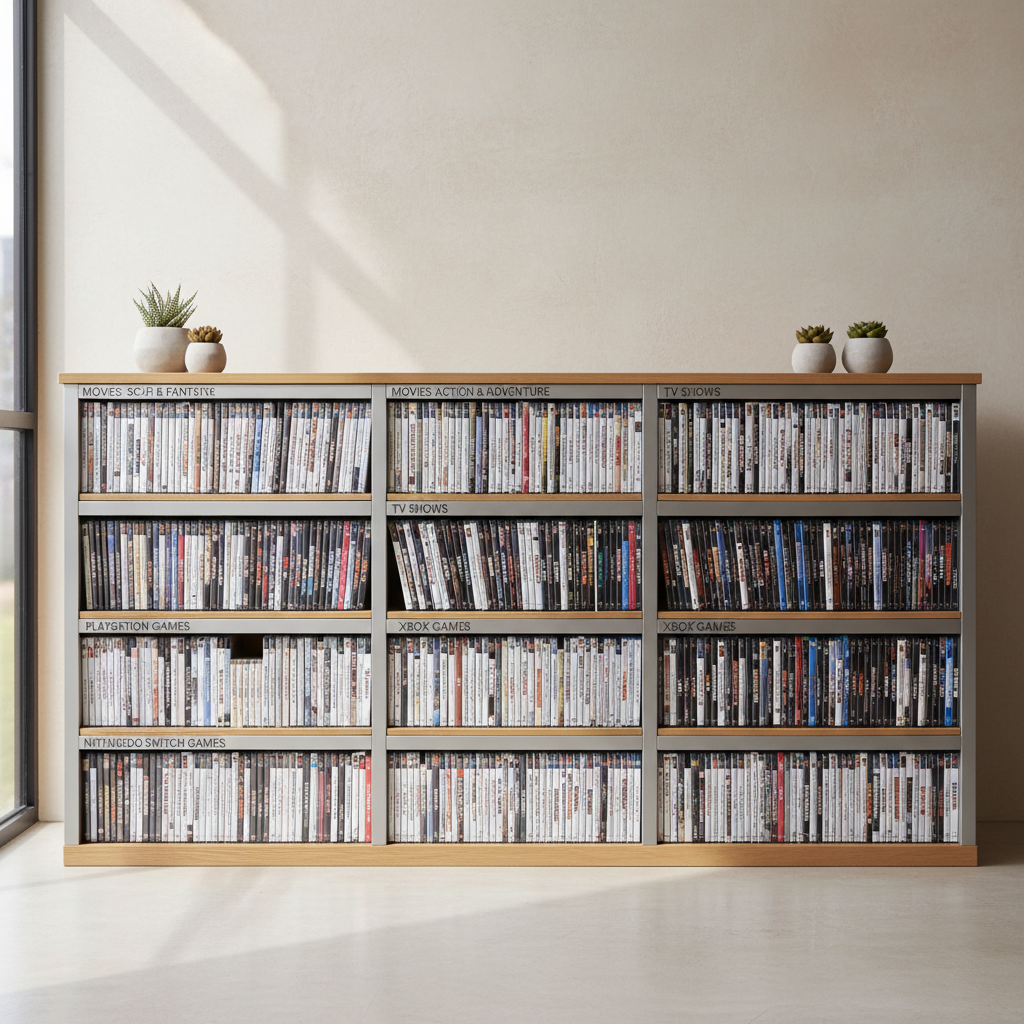
Pick an organizing “rule” you can follow on a tired weeknight
Most collections fall apart when the rule is too complicated. If you want a system that survives real life, choose one primary rule and one backup rule, then stick to it.
Common rules that actually work
- Alphabetical by title: fastest for finding a specific movie or game, great for medium-to-large collections.
- By platform/format first (PS5, Switch, Blu-ray, DVD), then alphabetical: ideal if you own multiple consoles or formats.
- By genre (RPG, horror, kids, comedy): nice for browsing, but arguments happen when a title fits two genres.
- By who uses it (kids vs adults): underrated for family homes, reduces re-shelving mistakes.
- By frequency (current favorites front and center): best for small spaces, rotate seasonally.
Key point: for most people, “format/platform first, then A–Z” is the sweet spot between browseable and foolproof.
Do a quick reset: declutter, consolidate, and stop duplicates
Before buying bins or rearranging furniture, do a reset pass. This is where organizing either becomes easy, or turns into a weekend you regret.
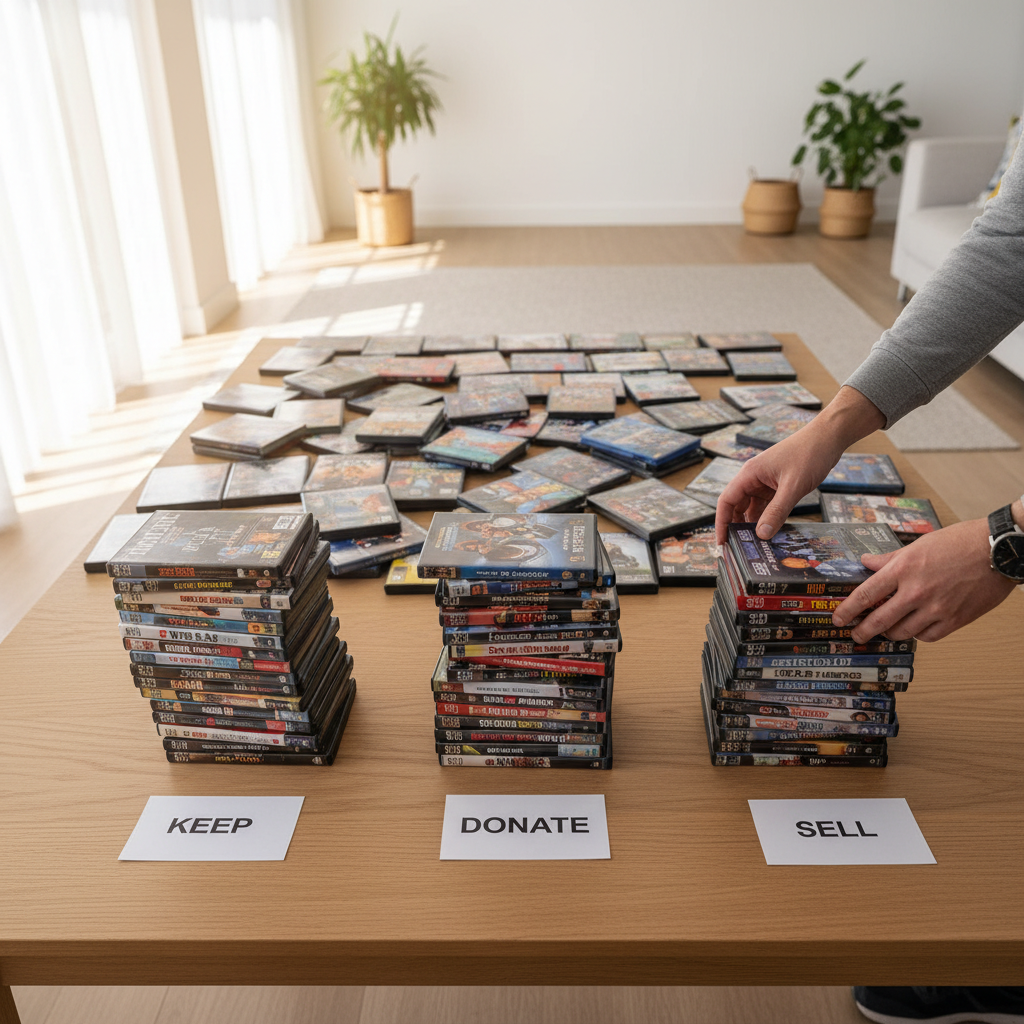
- Pull everything into one place so you see the real size of the collection.
- Separate cases from discs and match them immediately, missing cases go into a temporary “fix” pile.
- Remove duplicates (same title, different editions) unless you have a reason to keep both.
- Create a “not keeping” box: sell, donate, gift, or recycle cases you truly won’t use.
According to EPA, reducing waste starts with reuse and donation before disposal, so if you’re thinning the collection, consider passing extras on rather than trashing them.
Choose storage that fits your space (not just your Pinterest board)
How to organize DVDs and video games looks different in a studio apartment than in a dedicated media room. Start with the space you realistically have, then pick storage that protects discs and stays easy to maintain.
Storage options by scenario
| Scenario | What works well | What to watch for |
|---|---|---|
| Small apartment / dorm | Vertical media tower, under-bed bins, slim binders (for discs you use often) | Binders can separate discs from original cases, label carefully |
| Living room setup | Closed cabinet with adjustable shelves, labeled sections by platform | Don’t overfill shelves, cases warp when packed tight |
| Family home | Kid-accessible lower shelf, adult titles higher, color labels | Mixed shelving invites mis-shelving, keep zones obvious |
| Collector / large library | Wall shelving, catalog app, overflow boxes stored by category | Sunlight and heat can damage cases and discs over time |
If you’re storing anything long-term, aim for a cool, dry spot away from direct sun. High heat and humidity can cause disc damage or label issues in many cases.
Create “zones” so putting things back stays effortless
The easiest collections to maintain usually have clear zones. You don’t think, you just put the case back where it belongs. This is the part people skip, then wonder why the system collapses.
- New/Current zone: what you’re actively watching or playing this month.
- Backlog zone: titles you plan to get to, separated from favorites so it doesn’t feel endless.
- Lent out zone: an empty slot marker or a small bin with name tags.
- Kids/family zone: simple rules, bigger labels, no rare collector editions within reach.
A small label maker helps, but even painter’s tape plus a Sharpie beats “I’ll remember.” You usually won’t.
Light cataloging: track what you own without turning it into homework
If you frequently rebuy titles, loan games, or can’t remember which console a disc belongs to, a light catalog is worth it. It’s also a clean answer to the classic “do we already have this?” moment.
Three low-effort catalog methods
- Phone notes: one note per platform, quick and messy but surprisingly useful.
- Spreadsheet: title, platform, location, lent-to, condition. Keep it short or you’ll stop updating.
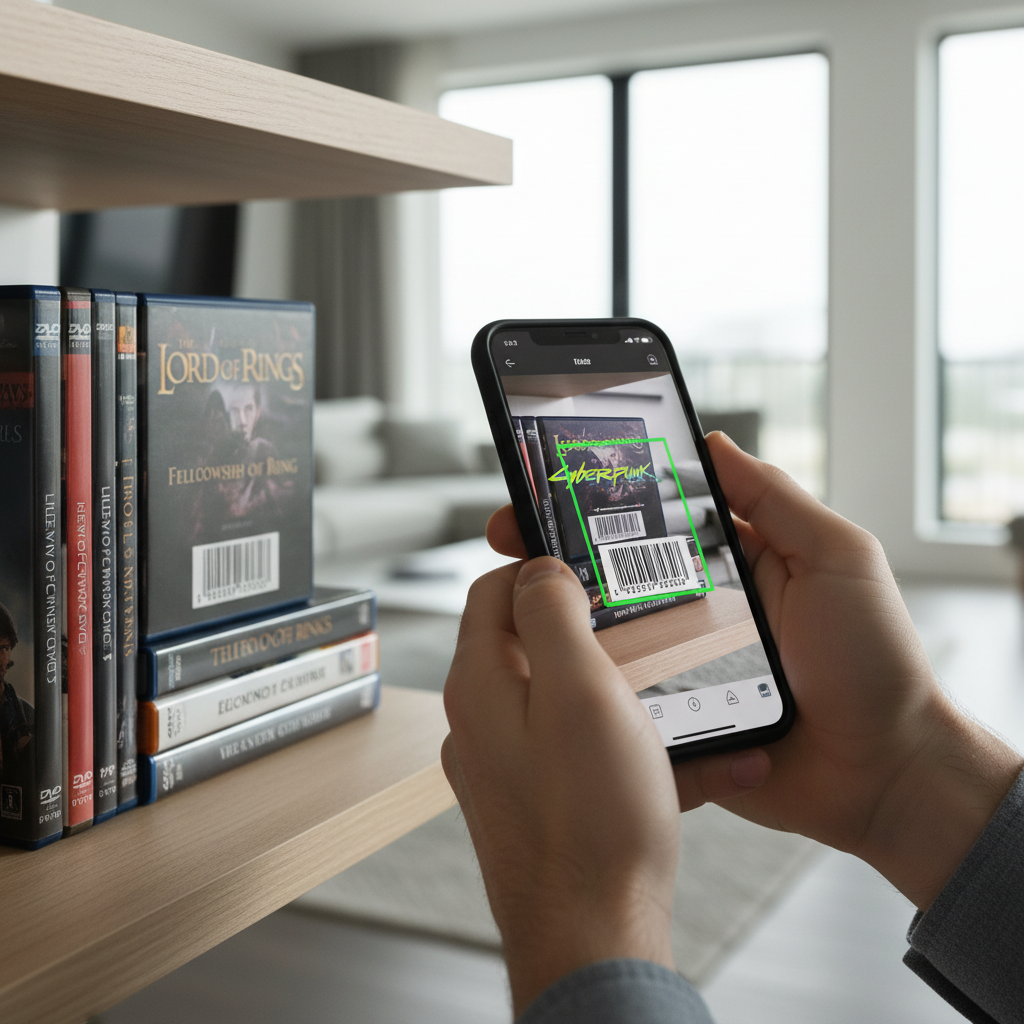
- Collection apps: barcode scanning can be fast, just confirm editions to avoid wrong entries.
Practical rule: only track fields you will actually update. Title + platform + location covers most needs.
Step-by-step: a weekend setup you can keep long-term
If you want a simple plan that finishes in a few hours, this sequence avoids the common trap of rearranging shelves three times.
- Step 1: Decide your rule (platform/format → A–Z is a safe default).
- Step 2: Reset pass: match discs to cases, start the donate/sell box.
- Step 3: Measure shelf height and depth, then adjust shelves before sorting.
- Step 4: Place zones (current, backlog, lent out), then fill each zone with your rule.
- Step 5: Add labels and a “return spot” for items that need re-shelving.
- Step 6: Optional: create a light catalog and add only what you keep.
Quick win: keep 5–10 empty slots per section so new purchases don’t force a full reshuffle.
Mistakes that make organization fail (even with great shelves)
The biggest issues aren’t about storage, they’re about friction. If the system is annoying, it won’t last.
- Over-sorting by micro-genres: fun at first, painful when you re-shelve.
- Mixing formats without a clear reason: DVD and Blu-ray together looks fine until you want a specific one.
- Storing discs loose: scratches happen fast, use cases or proper sleeves.
- No plan for “in use” items: one coffee table stack becomes five.
- Ignoring lending: if you loan games, build it into the system or titles vanish.
When it’s worth getting extra help or upgrading your setup
If you’re managing hundreds of titles, rare collector editions, or shared household storage conflicts, you might want a more durable setup, sturdier shelving, or even a quick consult with a professional organizer. According to NAPO, organizing works best when systems match daily habits rather than forcing unrealistic routines.
Also consider help if you notice moisture issues, pests, or recurring mold smell near storage areas, since media can warp or grow mildew in some conditions, and a local home professional can suggest safe remediation steps.
Conclusion: keep it simple, keep it findable, keep it maintainable
How to organize DVDs and video games doesn’t require perfection, it requires a rule you can follow, zones that reduce decision fatigue, and storage that fits your room. If you do one thing today, pick your rule and create a small “current” zone so stacks stop spreading.
If you have an extra 20 minutes this week, do the reset pass and start a donate/sell box, you’ll feel the space open up fast and your collection becomes something you enjoy again.